Help
Four steps to a wheel that knows your class. Anything else? Ask me.
- 1
Add your names
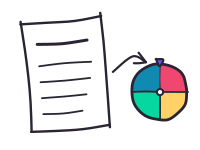
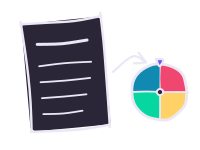
Type or paste a list into the box next to the wheel, one name per line. Or press Import names and drop in a spreadsheet, a PDF or a photo of your register.
- 2
Save it as a class
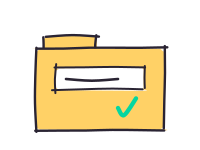
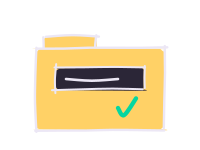
Type a name at the top, such as “Period 3”, then open My classes and press Save as a class. Do it once per class.
- 3
Spin, fairly
Turn on No repeats: everyone gets one turn before anyone goes twice, and the class remembers its round next lesson.
- 4
Someone away?
Press Not here when the wheel lands on them, or untick them under Who’s here?. They sit out until tomorrow.
See it in 20 seconds
- A class, “Period 3”, is saved on the wheel.
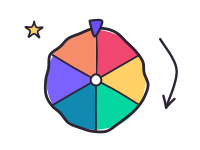
- Spin: the wheel lands on Jack.
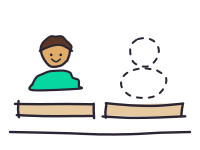
- Jack is absent today, so tap Not here. Jack sits out until tomorrow.
- Spin again: no repeats, and no absent students.
Everyday questions
How do I show only the wheel on the board?
Press the fullscreen button under the wheel. The editing panel disappears; press Esc to come back. For a bright room, turn on Projector mode in the wheel’s settings.
How do I make groups from my class?
Open the group maker, choose your saved class and press Make groups. It avoids putting the same partners together again.
How do I print an attendance sheet, name cards or bingo?
Pick a sheet from the teachers page, choose your saved class and press Print. Bingo and word search take your own word list.
How do I use my classes on another computer?
Under My classes, press Sync with another computer, turn sync on and type the code on the other computer. Or press Download backup and restore the file there.
The import read a name wrong. What now?
Fix it in the list before you press Add to wheel; nothing goes on the wheel until you approve it. If it got a list badly wrong, press Report a wrong result so it can be fixed.
Can I make one entry more likely?
Add a weight after it, like “Pizza *3”, and its slice is three times as big.
Will my lists still be there tomorrow?
Yes, in the same browser on the same computer. Clearing your browser data removes them, so download a backup now and then.
More answers are on the teachers page. Privacy questions: the privacy page. Changes and new tools: what’s new.